Clickwrap vs Browsewrap Agreements: Which Online Terms Hold Up in Court?
Most of us agree to dozens of online contracts every year without reading a word of them. We tick a box, tap “Sign up,” or just keep scrolling a website that has a “Terms” link tucked in the footer. For the businesses on the other side, though, the way those terms are presented can decide whether they’re enforceable at all.
Courts have given names to the different ways websites and apps ask for agreement. The two you’ll hear most are clickwrap and browsewrap, and the difference between them has cost some well-known companies the protections they thought they had. I’ll go through what each one is, the in-between versions that have popped up, and what the court decisions suggest about designing terms that actually stick.
I’m not a lawyer, and this is a general explainer rather than legal advice. Enforceability depends on the facts and the court, so have an attorney review how your terms are presented if they matter to your business.
Why the Format Matters at All
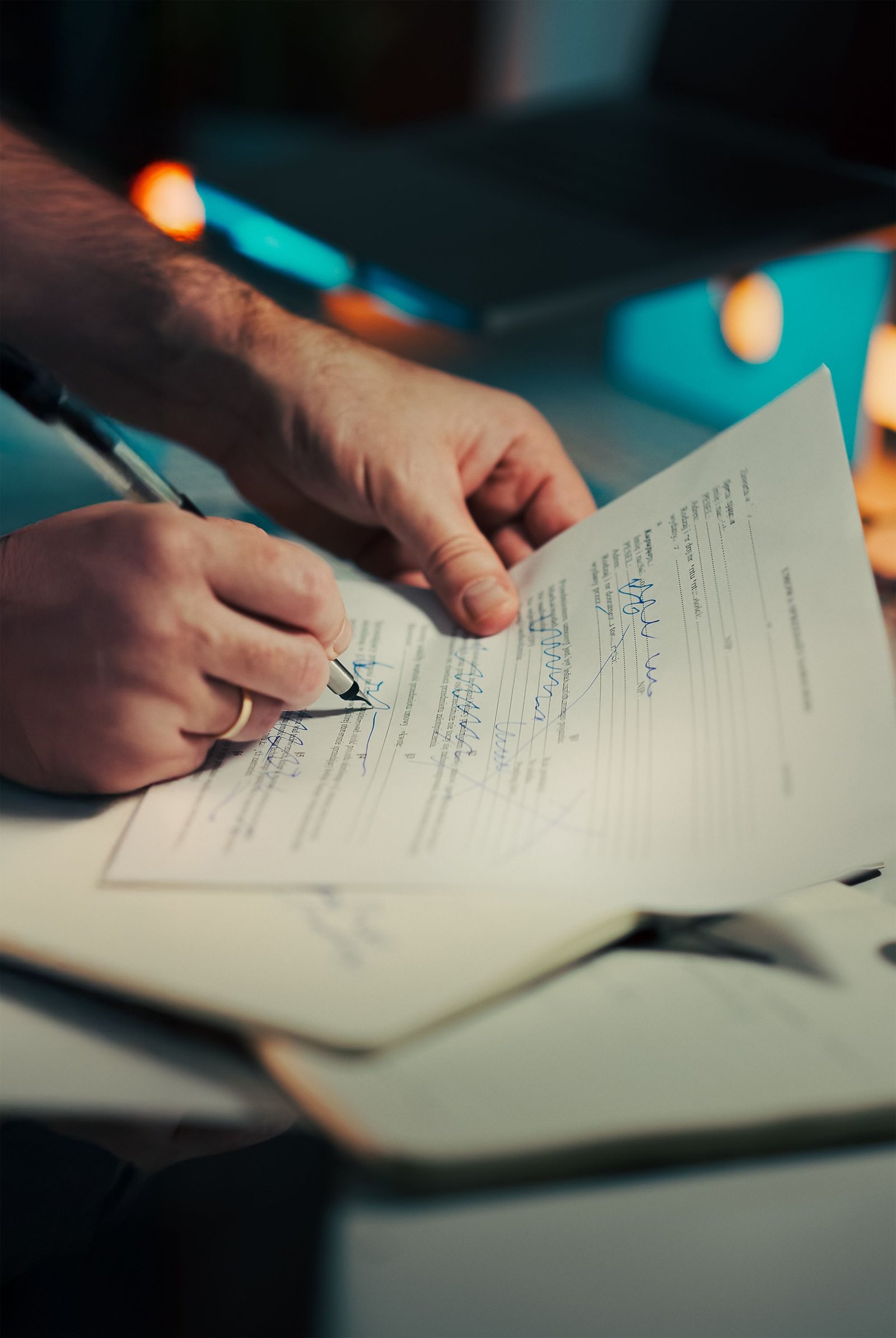
An online agreement is still a contract, and contracts require both sides to agree. In a paper contract, a signature shows that. Online, courts have to decide whether a click, a tap, or just using a website shows the same thing.
Across most US courts, the test comes down to two questions. Did the user have reasonable notice that terms existed? And did the user do something that clearly showed they accepted them? The formats below are essentially different answers to those questions, some much stronger than others.
This matters because the terms themselves often contain the provisions businesses care most about, like arbitration requirements, class action waivers, liability limits, and which state’s law applies. If the agreement isn’t enforceable, none of those protections apply. I cover what typically goes in these documents in my post on terms of service vs terms and conditions.
What a Clickwrap Agreement Is
A clickwrap agreement requires the user to take a specific action showing they accept the terms before they can continue. The classic example is a checkbox next to a statement like “I have read and agree to the Terms of Service,” with the terms linked right there, and the “Continue” button disabled until the box is checked. A pop-up that displays the terms with an “I Agree” button works the same way.
Courts generally enforce clickwrap agreements. The user saw the terms were there and took a deliberate step to accept them, which is about as close as the online world gets to a signature. That doesn’t make clickwrap automatically bulletproof, since unfair or unconscionable terms can still be challenged, but the question of whether an agreement was formed is usually settled.
What a Browsewrap Agreement Is
A browsewrap agreement is on the opposite end. The terms are available somewhere on the site, usually through a link in the footer, and they state that simply using the website means you accept them. The user never has to click, check, or acknowledge anything.
Courts are far more skeptical of these, because it’s easy to use a website without ever noticing the terms. The best-known example is the Ninth Circuit’s 2014 decision in Nguyen v. Barnes & Noble. The bookseller’s terms, which included an arbitration clause, were linked at the bottom of every page, and some links sat close to the buttons shoppers clicked during checkout. The court still refused to enforce them. The tech law firm ZwillGen has a good summary of the court’s reasoning in Nguyen. The short version is that a visible link, on its own, doesn’t prove the customer knew about the terms or agreed to them, and Barnes & Noble couldn’t force the case into arbitration.
Browsewrap can sometimes work if a business can show the user actually knew about the terms. But relying on it is a gamble most companies shouldn’t take for anything important.
Clickwrap vs Browsewrap at a Glance
| Clickwrap | Browsewrap | |
|---|---|---|
| How users agree | Check a box or click “I agree” | Just by using the site |
| Notice of terms | Presented at the moment of agreement | Usually a footer link |
| Typical enforceability | Generally enforced | Often not enforced |
| Best used for | Signups, purchases, subscriptions | Low-stakes informational pages, if at all |
The In-Between Formats
Real websites don’t always fit neatly into those two categories, and courts have named a few hybrids.
A sign-in wrap shows a notice near a button, such as “By creating an account, you agree to our Terms of Service,” but doesn’t require a separate checkbox. Whether these hold up depends heavily on the design. In Meyer v. Uber, decided by the Second Circuit in 2017, the court enforced Uber’s sign-up screen because the notice appeared right next to the registration button on an uncluttered screen, and the link was styled so a typical smartphone user would recognize it as a link. Law professor Eric Goldman’s blog has a detailed breakdown of why the court upheld Uber’s design. Other sign-in wraps have failed when the notice was small, faint, or buried among distracting elements, which is what happened in the Ninth Circuit case I discussed in my terms of service post.
A scrollwrap makes users scroll through the full terms before the “I agree” button becomes active. Courts tend to view these favorably, since users can’t accept without at least passing through the text, though they can be clunky on mobile.
What Makes Online Terms Enforceable
Reading through these decisions, I noticed the same design details come up over and over. Courts look at whether the notice appears right where the user takes the action, like next to the signup or purchase button, rather than somewhere else on the page. They look at whether links look like links, typically blue or underlined, and whether the text is large enough and has enough contrast to be noticed. A clean screen helps, while a page crowded with bright graphics and promotional banners can make a small notice easy to miss. And they look at whether the wording clearly connects the action to the agreement, such as “By clicking Sign Up, you agree to our Terms.”
The strongest approach is still an unchecked checkbox that users must actively tick, next to clear language and a visible link to the terms. It adds a small amount of friction, but it gives you much better evidence that a real agreement was formed.
Keeping Records
Enforceability isn’t just about design. If a dispute comes up, you need to prove the specific user agreed to a specific version of your terms. That means keeping records of when each user accepted, which version of the terms was in effect at the time, and what the acceptance screen looked like. Saving old versions of your terms and screenshots of your signup flow can make a big difference if you ever have to defend them.
The same principle shows up elsewhere. Businesses that text customers face similar expectations around proving consent, where regulators and carriers expect a clear opt-in and good records of it. My guide to SMS opt-in rules covers that side of things.
When You Change Your Terms
Updating your terms raises the same questions all over again. Quietly replacing the page and relying on continued use to signal agreement is basically a browsewrap approach, and courts have been skeptical of it. A better practice is to notify users of significant changes and ask them to accept the new terms, for example, with a prompt the next time they log in.
Final Thoughts
Clickwrap agreements ask users to actively accept the terms, and courts usually enforce them. Browsewrap agreements assume users agree just by using the site, and courts often refuse to enforce them. Sign-in wraps fall in between, and whether they hold up depends on how clearly the notice is presented.
If your terms include anything you’d want to rely on in a dispute, like arbitration, liability limits, or subscription rules, don’t leave them in the footer and hope for the best. Put a clear notice and a checkbox where users sign up or pay, make the link easy to spot, and keep records of who agreed to what. It’s a small design decision that can decide whether your terms mean anything at all.